

Key Takeaways
Option A
Cloud Storage
The flexible, anywhere-accessible option.
Best for: People who work across multiple devices, collaborate with others, or need automatic backups without managing hardware.
Option B
Local Storage
The private, one-time-cost choice.
Best for: People who handle sensitive files, have large media libraries, or want full control without ongoing subscription fees.
If you use multiple devices and need files available everywhere
Cloud Storage
Cloud services sync automatically across phones, tablets, and computers, so your files follow you without manual transfers.
If you have a large photo or video library and want to avoid subscription fees
Local Storage
A high-capacity external drive is a one-time purchase that stores thousands of files without monthly costs adding up over time.
If privacy and data security are your top priorities
Local Storage
Files stored locally never pass through a third-party server, keeping sensitive documents entirely under your control.
If you want set-it-and-forget-it automatic backups
Cloud Storage
Most cloud services back up files in the background automatically, reducing the risk of losing work due to hardware failure.
If you want maximum resilience against data loss
Cloud Storage
Using both cloud and local storage together — the 3-2-1 backup rule — is the most robust approach, but if choosing one, cloud provides location-independent redundancy.
What Each Storage Type Actually Means
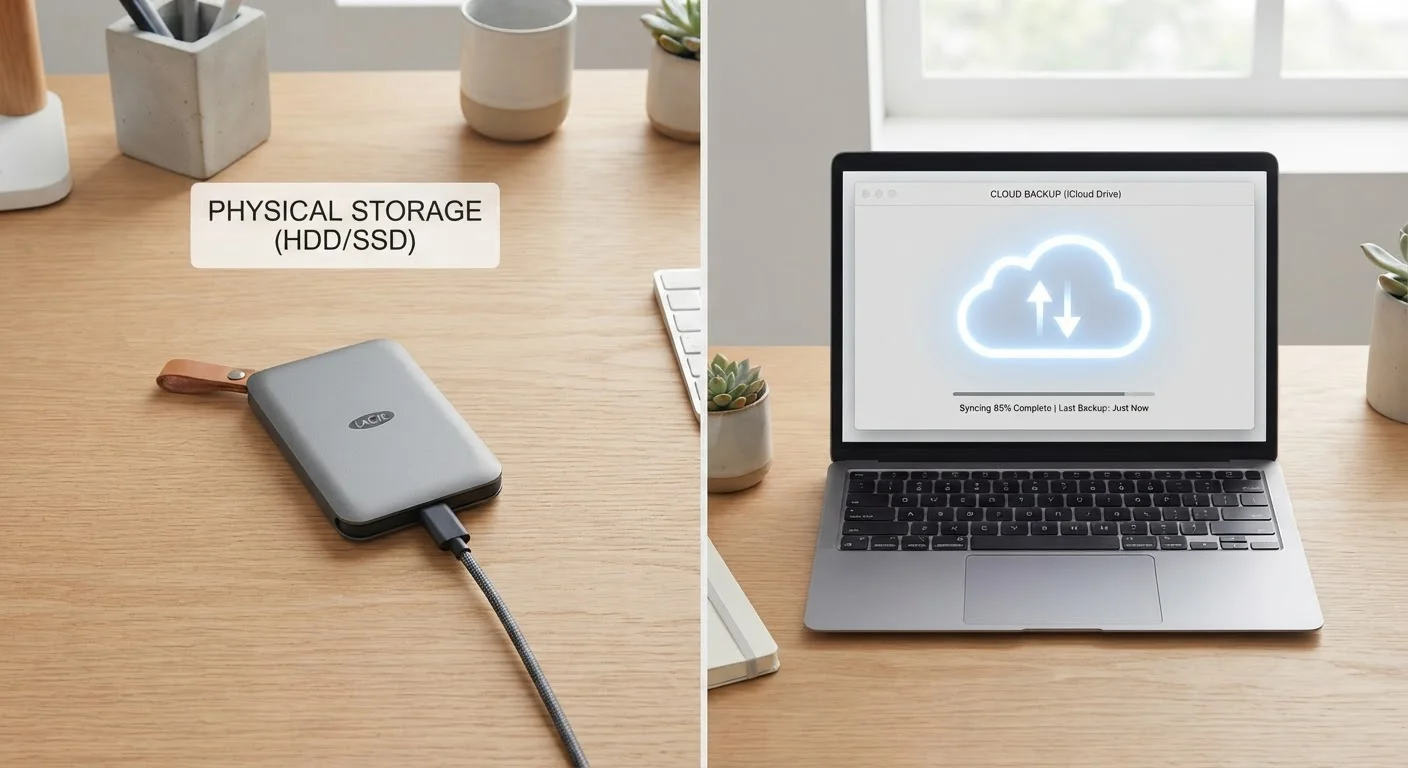
Cloud storage saves your files on remote servers maintained by a service provider and makes them accessible via the internet. When you upload a photo to a cloud service, it travels over your internet connection to a data center, where it's stored and retrievable from any connected device. Services generally offer a small amount of free storage, with larger capacities available through monthly or annual subscriptions.
Local storage means your files live on a physical device you own — the hard drive inside your computer, an external hard drive, a USB flash drive, or a solid-state drive (SSD). There's no internet dependency: access is instant and direct. The trade-off is that the device itself is your single point of failure.
For a broader look at how these storage options fit into organising your full digital life, see our guide to organising your digital life.
| Criterion | Cloud Storage | Local Storage |
|---|---|---|
| Accessibility | Any device with internet | Only where drive is connected |
| Cost model | Ongoing subscription | One-time hardware purchase |
| Privacy | Third-party servers involved | Fully under your control |
| Automatic backup | Yes, typically built-in | Manual or requires extra setup |
| Internet required | Yes | No |
| Transfer speed (large files) | Limited by internet speed | Fast, direct connection |
| Risk of hardware failure | Provider-managed redundancy | Drive failure loses data |
| Collaboration | Easy to share and co-edit | Requires manual file sharing |
Key Differences That Actually Matter
Access and convenience: Cloud storage wins on flexibility. As long as you have internet access, your files are reachable from any device. Local storage is faster for large files — copying a 10 GB video to an external drive is typically much quicker than uploading it — but those files stay tied to the device or drive they're on.
Cost over time: Local storage has a higher upfront cost but no ongoing fees. A 2 TB external hard drive is a one-time purchase. Cloud storage can feel inexpensive month-to-month, but costs accumulate — several years of a mid-tier subscription can easily exceed the price of substantial local hardware.
Privacy and control: With local storage, only you have access to your files unless you share the physical device. Cloud files pass through and reside on a provider's servers, which means your data is subject to their privacy policy, security practices, and — in some circumstances — legal requests. That said, reputable cloud providers use strong encryption both during transfer and at rest.
3-2-1
Widely recommended backup rule
IT and data recovery professionals broadly recommend keeping three copies of data on two media types, with one stored off-site — a standard known as the 3-2-1 rule.
~20%
Annual hard drive failure rate (older drives)
Backblaze's long-running hard drive reliability studies have found annual failure rates that rise significantly as drives age past four years, underscoring the need for backup strategies.
Reliability and backup: Neither option is inherently safe without a backup strategy. Local drives can fail mechanically or be lost, stolen, or damaged. Cloud services can experience outages or, rarely, account access issues. IT professionals often recommend the 3-2-1 rule: keep three copies of your data, on two different media types, with one stored off-site — which is exactly what combining cloud and local storage achieves.
How to Choose What Works for You
The honest answer for most people is: both. Using cloud storage for active documents you need across devices, and local storage for large archives or sensitive files, gives you the flexibility of the cloud with the security and cost efficiency of physical media.
That said, if you must choose one, let your actual habits guide you. If you primarily work from a single computer and handle large media files, a quality local drive may serve you better. If you're constantly switching devices, sharing files with others, or worried about losing work to a hardware failure, cloud storage offers meaningful peace of mind.
Think also about what you're storing. Financial documents, tax records, and personal photos all deserve at minimum a second copy somewhere — ideally one that isn't in the same physical location as the first. For more on organising documents across both physical and digital systems, our guide to paper, digital, and hybrid filing offers practical structure.
A Note on Cloud Encryption
Not all cloud storage services offer the same level of privacy. Standard cloud services encrypt your files in transit and at rest, but the provider typically holds the encryption keys — meaning they can technically access your files. A smaller category of services, sometimes called zero-knowledge or end-to-end encrypted storage, ensures only you hold the keys. If privacy is a priority, it's worth researching which model a service uses before entrusting it with sensitive documents.