

| Attack type — Phishing | Email-based impersonation scam |
| Attack type — Smishing | SMS text message scam |
| Attack type — Vishing | Voice call or phone-based scam |
| Common goal of all three | Steal credentials, money, or personal data |
| Primary manipulation tactic | Urgency, fear, or authority impersonation |
| Report smishing texts (US) | Forward to 7726 (SPAM) (Supported by most US wireless carriers) |
What These Terms Actually Mean
Social engineering scams rely on tricking people rather than hacking software. Three delivery methods dominate: phishing (email), smishing (SMS text), and vishing (voice call). Understanding what sets each apart is the first step toward spotting them.
| Attack type — Phishing | Email-based impersonation scam |
| Attack type — Smishing | SMS text message scam |
| Attack type — Vishing | Voice call or phone-based scam |
| Common goal of all three | Steal credentials, money, or personal data |
| Primary manipulation tactic | Urgency, fear, or authority impersonation |
| Report smishing texts (US) | Forward to 7726 (SPAM) (Supported by most US wireless carriers) |
For a broader look at how the internet works and why these channels are vulnerable, see The Online World, Mapped.
Phishing
A scam delivered via email that impersonates a trusted entity to steal credentials, financial data, or install malware. The word is a play on 'fishing' — the attacker casts a lure hoping someone bites.
Smishing
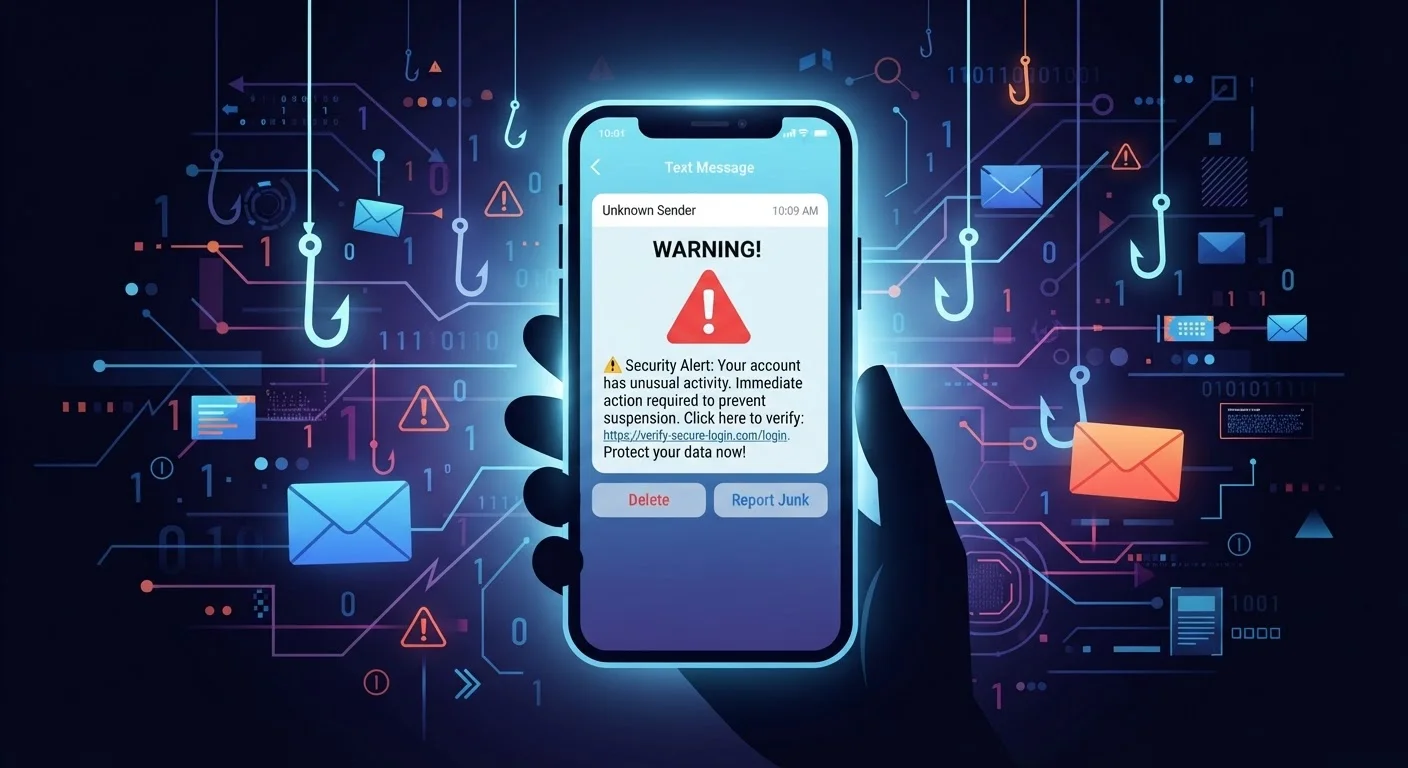
A phishing attack conducted through SMS text messages. The name combines 'SMS' and 'phishing.' Smishing messages often contain shortened links that hide their true destination.
Vishing
Voice phishing — a scam conducted over the phone or via voice-over-internet (VoIP) calls. Attackers may spoof legitimate caller ID numbers to appear credible.
Caller ID Spoofing
A technique that allows a caller to display a false phone number on the recipient's screen. Scammers use it to make calls appear to come from government agencies, banks, or local numbers.
Multi-Factor Authentication (MFA)
A security method that requires two or more forms of verification before granting account access — typically a password plus a one-time code. Also called two-factor authentication (2FA).
Social Engineering
Psychological manipulation used to trick people into revealing confidential information or taking harmful actions. Phishing, smishing, and vishing are all forms of social engineering.
Malware
Short for 'malicious software.' Programs designed to damage, disrupt, or gain unauthorized access to a device. Phishing attachments are a common delivery mechanism.
Spoofed Domain
A web address made to closely resemble a legitimate one, typically by substituting characters (e.g., replacing a lowercase 'l' with the number '1'). Used to deceive users into entering their credentials.
How Each Attack Works — and What to Watch For
Phishing (Email)
A phishing email impersonates a trusted source — a bank, a delivery company, a government agency — and urges you to click a link or open an attachment. The link typically leads to a fake login page designed to capture your credentials, or a file that installs malware. Common red flags include:
- A sender address that mimics a real domain (e.g.,
support@paypa1.comwith a numeral 1 instead of an l) - Urgent language: "Your account will be suspended in 24 hours"
- Generic greetings like "Dear Customer" instead of your name
- Links that, when hovered over, show a destination that doesn't match the stated site
Smishing (SMS Text)
Smishing uses text messages to deliver the same trap. Because people tend to trust texts more than emails — and phone screens make it harder to inspect URLs — smishing can be especially effective. Watch for:
- Texts from unknown numbers claiming to be USPS, the IRS, or a bank
- Short URLs (bit.ly-style links) that obscure the real destination
- Requests to "confirm" a delivery, claim a prize, or verify account activity
Vishing (Voice / Phone)
Vishing attackers call you directly. They may claim to be tech support, a Social Security Administration representative, or your bank's fraud department. Caller ID can be spoofed to show a legitimate-looking number. Key warning signs:
- Unsolicited calls asking for your Social Security number, passwords, or payment
- Pressure to act immediately or "stay on the line"
- Requests to download remote-access software so the caller can "fix" your device
Spoofed Caller ID Doesn't Mean a Trusted Caller
Seeing a familiar number — or even a number matching your bank's official line — does not confirm the caller is who they claim to be. Caller ID spoofing is low-cost and widely used by fraudsters. If you receive an unsolicited call asking for sensitive information, hang up and dial the organization directly using a number from their official website or the back of your card.
Practical Defenses That Work
No single habit defeats all three attack types, but this short set of practices dramatically reduces your risk:
- Pause before you click or call back. Urgency is a manipulation tactic. Legitimate organizations will not penalize you for taking a moment to verify.
- Verify through an independent channel. If a text claims your bank account is compromised, hang up or close the message and call the number on the back of your card — not any number provided in the message.
- Inspect links before tapping. On a desktop, hover over a link to preview the URL. On mobile, press and hold to see the full address before opening.
- Enable multi-factor authentication (MFA). Even if scammers obtain your password, MFA — a secondary verification code sent to your phone or generated by an app — adds a barrier they typically cannot easily cross.
- Report suspicious messages. Forward phishing emails to
reportphishing@apwg.org. Forward smishing texts to 7726 (SPAM), which most US carriers support. File vishing complaints at the FTC's ReportFraud.ftc.gov.
For a fuller foundation on protecting yourself online, Online Privacy From Scratch covers the essentials without requiring any technical background.