
Smart Speakers Explained: What They Hear, How They Think, and What They're Actually Useful For

Key Takeaways
Start here
What Is a Smart Speaker?
Next
How Smart Speakers Listen
Then
What Happens After You Speak
Apply it
What They're Actually Good At
Before you plug in
Privacy and Microphone Concerns
What Is a Smart Speaker?
A smart speaker is a wireless audio device with a built-in voice assistant. Unlike a regular Bluetooth speaker, it can receive spoken instructions and respond — playing music, answering questions, setting reminders, or triggering other connected devices. The 'smart' part comes from its connection to the internet and to cloud-based artificial intelligence that interprets what you say.
At its core, the device combines three things: a microphone array that captures your voice, a speaker that delivers responses and audio, and a Wi-Fi connection that links it to remote computing power. The physical hardware is relatively modest; the intelligence lives in the cloud. If you want a broader map of how internet-connected services fit together, see our plain-English guide to the online world.
Wake word
A specific spoken trigger phrase — like 'Alexa' or 'Hey Google' — that activates a smart speaker. The device listens for only this pattern until it is detected.
Voice assistant
Software that understands spoken commands and carries out actions or provides information in response. It runs in the cloud, not entirely on the device.
Natural language processing (NLP)
A branch of artificial intelligence that helps computers understand human language — interpreting meaning and intent, not just individual words.
Beamforming
A technique using multiple microphones to focus on sound coming from one direction, helping a device pick out your voice in a noisy environment.
Smart home ecosystem
A collection of connected home devices — lights, locks, thermostats, cameras — that communicate with each other and can be controlled through a central app or voice assistant.
Cloud processing
Performing computing tasks on remote servers accessed over the internet, rather than on the local device itself. Most smart speaker intelligence works this way.
How Smart Speakers Listen
Smart speakers use a technique called wake word detection. The device runs a small, low-power program locally that monitors audio for one specific phrase — 'Alexa,' 'Hey Google,' or similar. Until that phrase is detected, no audio is sent anywhere. The device is listening in the narrow sense of pattern-matching, not in the broader sense of understanding speech.
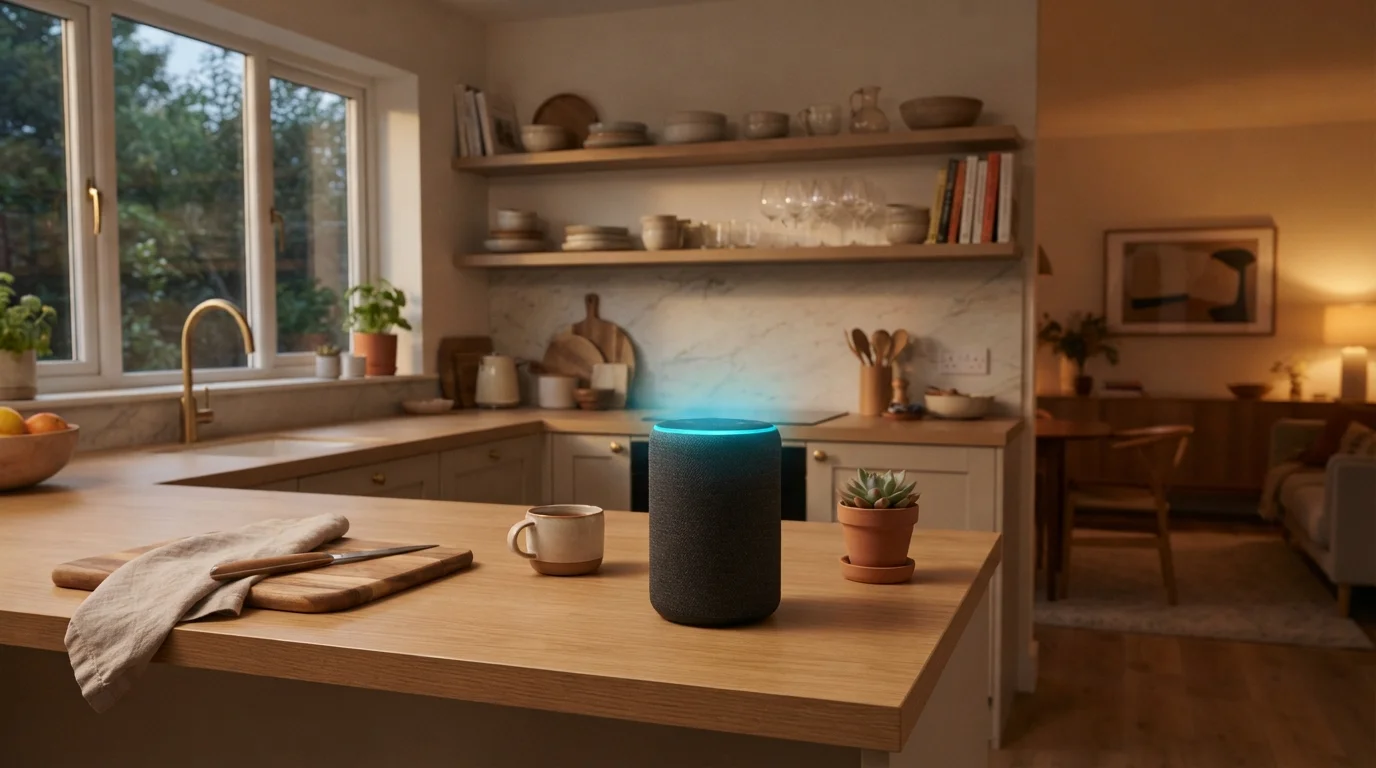
Once the wake word is recognized, the speaker activates fully: a light ring or tone signals it is now recording, and the audio of your command is sent to the company's servers for processing. Multiple microphones arranged in an array help the device pick out your voice even from across a noisy room, a process called beamforming.
Speak Naturally for Better Results
You do not need to use robotic, clipped commands. Voice assistants are trained on natural speech, so phrases like 'Can you set a timer for twenty minutes?' work just as well as 'Set timer twenty minutes.' Speaking at a normal pace and volume — rather than shouting or over-enunciating — tends to produce more accurate results.
What Happens After You Speak
Your spoken words travel to a remote server, where automatic speech recognition (ASR) converts audio into text. A natural language processing (NLP) system then interprets the meaning — figuring out not just what you said but what you intended. That interpretation is matched against available actions: searching the web, playing a song, adjusting a smart thermostat, or reading back a calendar entry.
The response is generated in the cloud and sent back to your speaker as audio in a fraction of a second. This entire loop — voice to server to response — typically completes in one to three seconds on a decent connection. Because so much depends on remote servers, smart speakers are fundamentally internet-dependent devices. For a parallel look at how another everyday device interprets its environment and makes decisions, see our article on how smart thermostats think.
What They're Actually Good At
Smart speakers shine at tasks that are quick, hands-free, or repetitive. Here is where they genuinely earn their place:
- Timers and alarms — setting multiple named timers while cooking is faster by voice than by phone.
- Music and audio playback — streaming music, podcasts, or radio by genre, artist, or mood.
- Quick information — unit conversions, weather, definitions, and simple math.
- Smart home control — adjusting compatible lights, locks, or thermostats without finding an app.
- Reminders and calendar entries — adding items to a shared list or schedule on the fly.
They are less suited to nuanced research, complex multi-step tasks, or anything requiring visual output. Understanding these boundaries helps you get real value without frustration. For a deeper look at the terminology you will encounter in device settings and packaging, our device spec glossary is a practical companion.
Privacy and Microphone Concerns
The most common concern about smart speakers is understandable: a microphone that is always on. A few facts help put this in context.
Wake word detection happens on the device itself, using a stripped-down model that cannot understand language — it is only trained to recognize one specific sound pattern. The risk that typically gets attention is false triggers, where a word in conversation sounds enough like the wake word to activate the device. Most platforms log these and allow you to delete them.
False Triggers Are Real but Manageable
Ambient sounds or words in a TV show can occasionally activate your smart speaker by accident. When this happens, any audio captured is typically logged. Check your device's companion app regularly to review and delete stored clips. Most platforms make this straightforward under a 'Privacy' or 'Voice History' setting.
Practical steps to manage your exposure include: using the physical mute button when you want certainty the microphone is inactive, regularly reviewing and deleting your voice history in the companion app, and checking which third-party 'skills' or 'actions' you have enabled, since some may have their own data practices. None of these steps require technical expertise — they are standard options in the device's settings menu.