

Key Takeaways
The Power That Never Really Stops
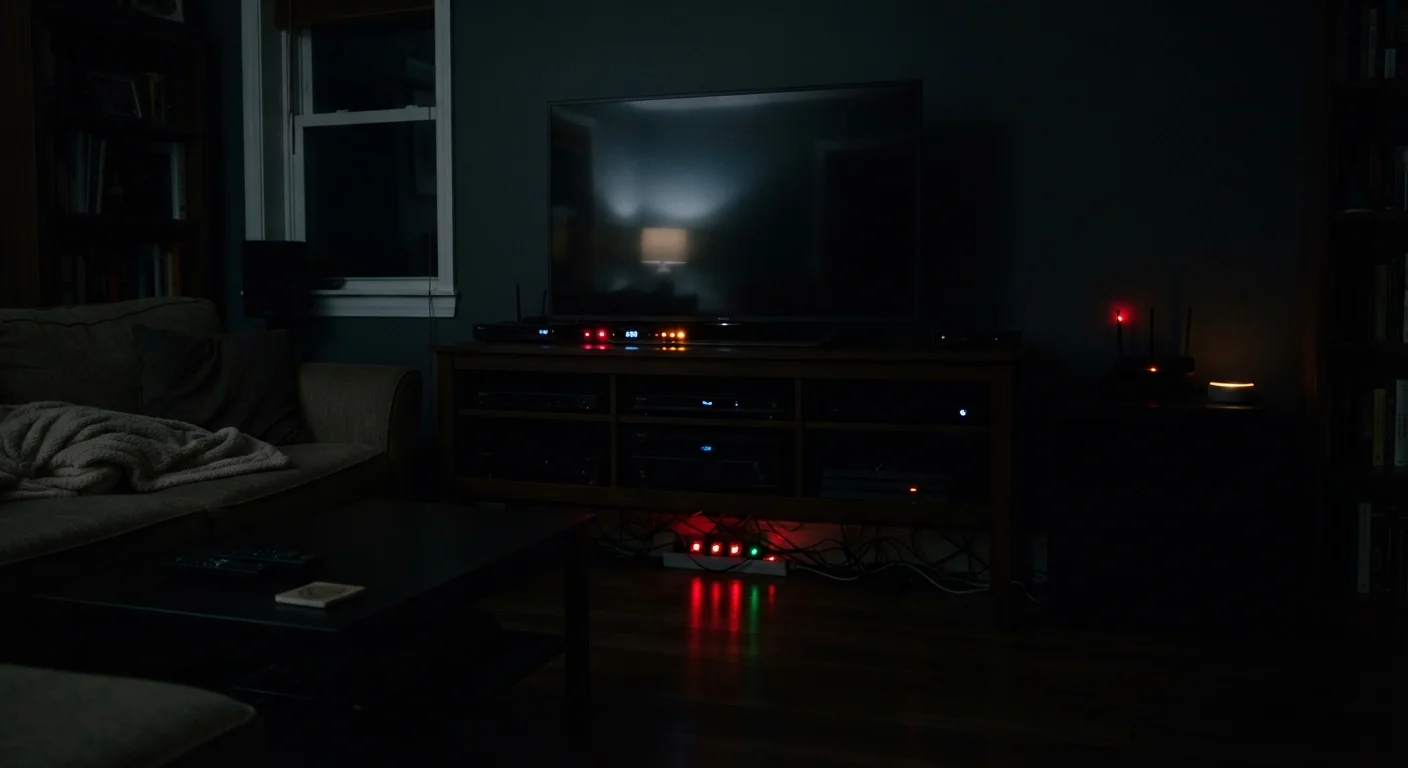
Hit the power button on your television and the screen goes dark — but the device doesn't fully power down. It's listening for a remote signal, maintaining a network connection, or simply keeping its internal circuits warm so it can start up faster. This continuous low-level draw is known as standby power, idle load, or colloquially as "vampire power." It's real, it's measurable, and it runs 24 hours a day.
The U.S. Department of Energy has noted that standby power can account for roughly 5 to 10 percent of residential electricity use. That figure varies significantly by home and by the age of the devices involved, but the core point is consistent: devices you consider "off" are often not fully off. Knowing which ones are the biggest culprits lets you make smarter decisions without turning your home into an unplugging exercise every night.
Start With a Simple Audit
Walk through your home and note every device with an indicator light, clock display, or network connection that stays on when you're not using it. These are your standby power candidates. Prioritizing the entertainment center and any always-connected consoles or cable boxes will typically yield the largest reductions for the least effort.
The Devices Drawing Power in the Background
Televisions and streaming sticks
Modern televisions — especially larger smart TVs — stay connected to your Wi-Fi, download software updates, and respond to voice commands even when the screen is off. Streaming sticks plugged into HDMI ports draw power from the TV's USB port or their own adapter continuously. Older plasma televisions were particularly heavy standby consumers, but even current LED models can draw several watts at all times. If your TV has a "quick start" or "instant on" mode enabled in settings, disabling it typically reduces standby draw noticeably.
Smart TVs stay connected to Wi-Fi and listen for commands even when the screen appears off.
Game consoles
Gaming consoles are among the most significant standby offenders in the average home. Many are configured by default to download updates, stay connected to online services, and charge controllers overnight — all while appearing off. Some models in certain configurations can draw 10 to 15 watts continuously in standby. Check your console's power settings: most offer a low-power standby option that still enables controller charging but cuts background network activity. Choosing this over the default "connected standby" mode can make a real difference.
Gaming consoles set to download updates overnight can draw over 10 watts while appearing switched off.
Cable and satellite boxes
Cable boxes and DVRs (digital video recorders) are notorious for continuous high energy draw. Because they're constantly recording scheduled content, maintaining a program guide, and communicating with the provider's servers, many models draw nearly as much power in standby as they do during active viewing. Unlike most devices, they often don't have a true low-power mode — they're designed to be always-on infrastructure. If you use on-demand streaming services rather than scheduled recording, it may be worth evaluating whether you still need the hardware at all.
DVRs often draw nearly as much electricity idle as they do during active use — they're built to run continuously.
Desktop computers and monitors
A desktop computer in sleep mode is using considerably less power than when active — but it's not using zero. The system maintains memory, keeps the network adapter awake, and may be running scheduled tasks. Monitors left in standby also draw a small but persistent load. Configuring your computer to fully hibernate (rather than sleep) and turning monitors off at the power strip when not in use eliminates most of this draw. If you're curious about other ways your computer's performance is affected by background processes, see our guide to recovering device speed.
Sleep mode still consumes power; hibernation and a switched-off power strip are far more effective.
Phone and laptop chargers left plugged in
A charger plugged into the wall with nothing connected to it still draws a small amount of power — typically less than half a watt, but multiplied across several chargers in a home, it adds up over thousands of hours. The larger issue is chargers left connected to a fully charged device. While modern smartphones and laptops have circuitry that stops the charging current once the battery is full, the charger itself and the device's charging management system remain active. For more on how this affects battery health over time, see our battery charging myths article.
A charger left plugged in with nothing attached still draws a small but continuous current from the wall.
Microwave ovens and kitchen appliances with displays
Your microwave's clock display and control panel consume a continuous trickle of electricity — and because most microwaves are used only a few minutes per day, that standby draw represents the majority of their total lifetime energy consumption. The same applies to coffee makers with digital clocks, smart ovens with always-on displays, and wine coolers with temperature controls. These draws are individually small, but kitchen appliances collectively contribute a meaningful share of household standby load, particularly in homes with many connected or display-equipped devices.
A microwave's clock display may account for more of its total energy use than its actual cooking time.
Standby Power Standards Have Improved
Many devices manufactured after voluntary and regulatory efficiency standards took effect draw significantly less standby power than older equivalents. If your home has appliances or electronics that are more than a decade old, they are likely drawing more idle power than newer models. This doesn't necessarily mean replacing them immediately is the right financial decision — but it's useful context when evaluating older hardware that sees little actual use.
What You Can Actually Do About It
You don't need to unplug every appliance every night to make a difference. A few targeted changes can eliminate the majority of your home's phantom load. Smart power strips — which cut power to peripheral devices when a primary device (like a TV) is turned off — are particularly useful for entertainment centers. Manual power strips with individual switches work just as well if you're willing to use them.
For devices you rarely use, unplugging entirely is the simplest solution. A second television in a guest room, a spare gaming console, or an older desktop computer sitting idle for weeks at a time are all strong candidates. See our guide to smarter charging habits for related advice on managing the energy devices use over their full lifespan.
If you want visibility into exactly how much power a device is pulling, an inexpensive plug-in energy monitor (sometimes called a watt meter) can measure real-time and cumulative consumption for any outlet. These tools make the invisible visible — and often motivate more consistent habits once people see the numbers.