

Key Takeaways
Two-Factor Authentication (2FA)
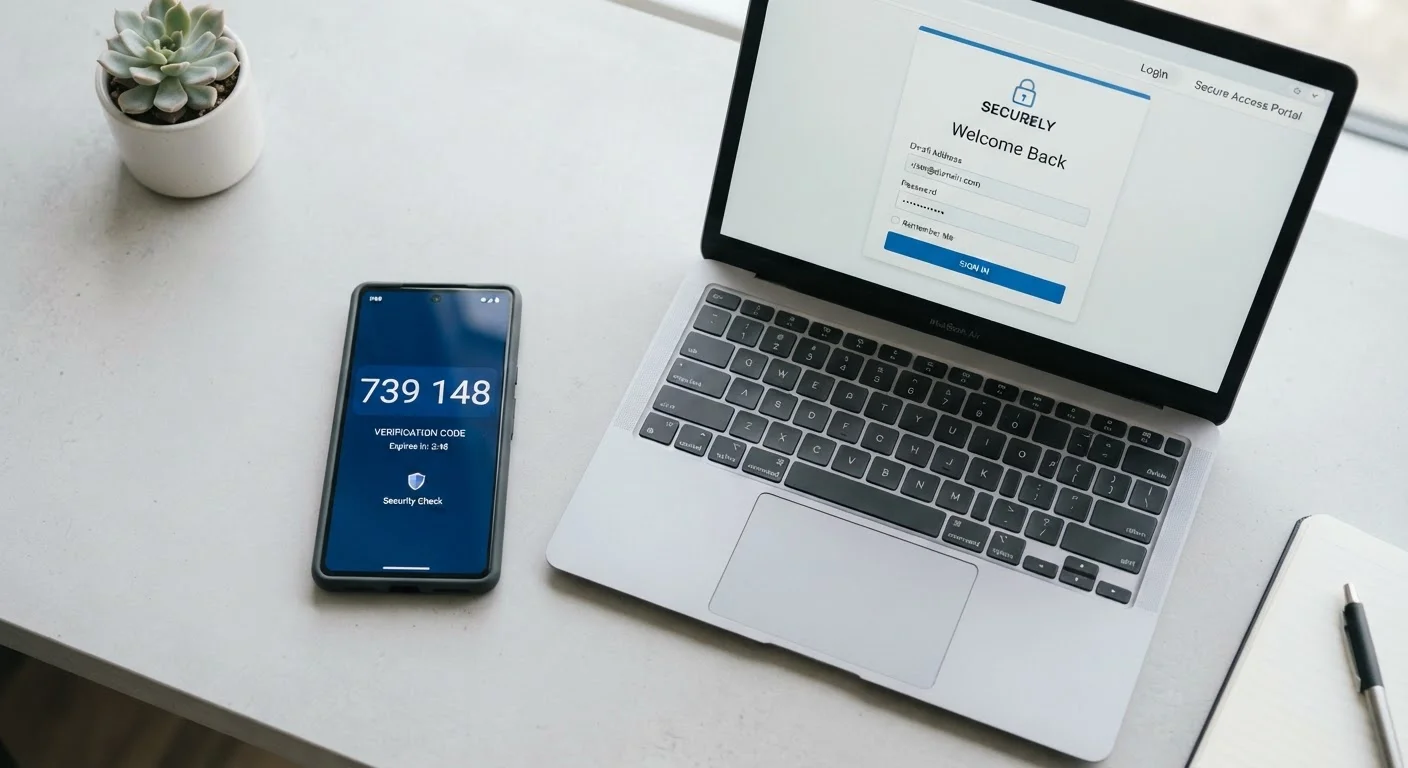
Two-factor authentication, often shortened to 2FA, is a security method that requires you to verify your identity in two separate ways before accessing an account. Instead of just entering a password, you also provide a second piece of proof — such as a code sent to your phone. This makes it significantly harder for someone else to break into your account, even if they know your password.
In security terminology, 2FA combines two of three factor types: something you know (password), something you have (a phone or hardware key), or something you are (biometric data like a fingerprint).
Why a Password Alone Is No Longer Enough
Passwords get compromised more often than most people realize — through data breaches at companies you trust, phishing emails, or simply because the same password was reused across multiple sites. When a password leaks, anyone who obtains it can walk straight into your account. That's a significant vulnerability, and it's why security professionals have long pushed for a second layer of protection.
Two-factor authentication closes this gap. Even if someone has your exact password, they still need that second piece of verification — which only you should be able to provide. For a deeper look at how accounts get compromised in the first place, see why accounts get hacked even when you're careful.
80%+
Of hacking-related breaches involving stolen credentials
Verizon's Data Breach Investigations Report has consistently attributed the majority of hacking-related breaches to compromised passwords over multiple years of reporting.
99.9%
Of automated account attacks blocked by MFA
Microsoft reported in published research that multi-factor authentication blocks an estimated 99.9% of automated credential-stuffing and password-spray attacks against accounts.
The Three Main Types of Second Factor
Not all second factors work the same way, and understanding the differences helps you make smarter choices about which to use.
- SMS text codes: After entering your password, you receive a one-time code via text message. It's convenient and widely supported, but text messages can be intercepted if a bad actor convinces your phone carrier to redirect your number — a scam known as SIM swapping.
- Authenticator apps: Apps like those built into your phone's operating system, or dedicated authentication apps, generate time-sensitive codes locally on your device without sending anything over a network. This removes the SIM-swapping risk and is the option most security professionals recommend for everyday use.
- Hardware security keys: A small physical device you plug into your computer or tap against your phone. These are the most phishing-resistant option available and are particularly well-suited for protecting high-value accounts.
Choose an Authenticator App Over SMS When Possible
If a service gives you the option, an authenticator app is more secure than receiving codes by text message. Authenticator apps generate codes locally on your device, meaning they can't be intercepted through your phone carrier. Many operating systems now include built-in authenticator functionality, so you may already have one available.
How to Set It Up: The General Process
The exact steps vary by service, but the process follows a consistent pattern across most platforms.
- Log in to your account and navigate to the security or privacy settings.
- Look for an option labeled "Two-Factor Authentication," "Two-Step Verification," or similar.
- Choose your preferred second factor — SMS, authenticator app, or hardware key.
- Follow the prompts to link your phone number, scan a QR code into your authenticator app, or register your hardware key.
- Save any backup codes provided. These let you regain access if your second factor becomes unavailable.
Prioritize your email account first — it's the master key to resetting almost everything else. Then move on to banking, financial services, and social media.
Strong authentication works best when paired with strong passwords. Our guide to passwords vs. passphrases explores how to make that first factor as solid as possible.
Fitting 2FA Into Your Broader Security Habits
Two-factor authentication is one part of a larger set of good habits. It works best alongside other practices: using unique passwords for every account, keeping your devices updated, and being cautious about suspicious links.
“Turning on two-factor authentication is one of the most impactful steps an individual can take to protect their accounts. It's not perfect, but it raises the cost of an attack dramatically.”
— Cybersecurity and Infrastructure Security Agency (CISA), U.S. federal agency responsible for national cybersecurity guidance
If managing unique passwords for dozens of accounts feels overwhelming, a password manager can help considerably — see Password Managers Demystified for a plain-language overview. And if you're starting from scratch with your online security, Online Privacy From Scratch provides a solid foundation without requiring any technical background.
Enabling two-factor authentication takes a few minutes and provides a level of protection that meaningfully reduces your exposure to the most common account threats. It's one of the highest-value security steps available to anyone — regardless of technical experience.