

Key Takeaways
Peak-Hour Internet Congestion
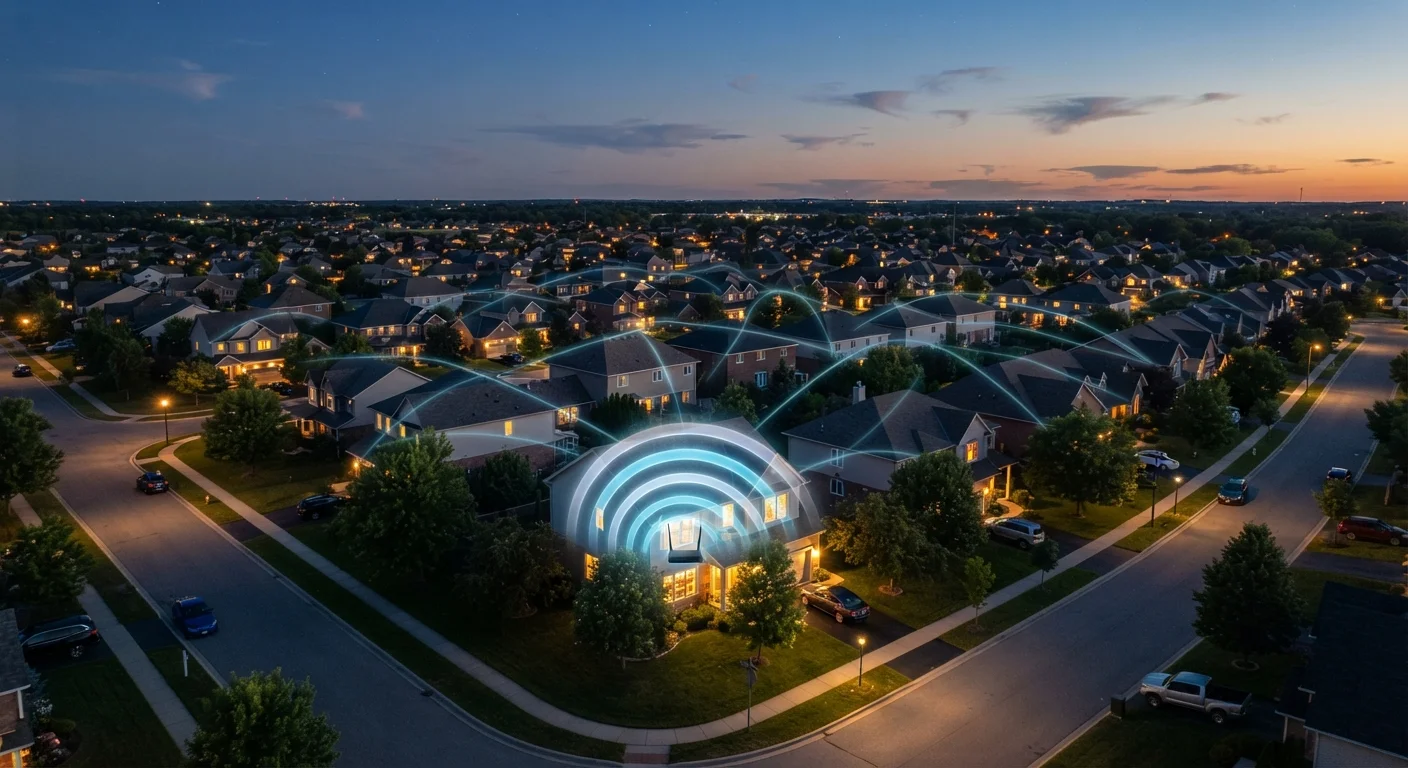
Peak-hour internet congestion is the slowdown that happens when too many users in the same area are online at the same time, overwhelming the shared network infrastructure that connects neighborhoods to the broader internet. Just like a highway backs up during rush hour, data traffic backs up when demand spikes. For most households, this happens predictably between roughly 7 p.m. and 11 p.m.
Congestion typically occurs at shared 'last-mile' nodes — the aggregation points where many households' connections converge before reaching the ISP's backbone network — rather than inside your home.
The Rush-Hour Problem You Never Signed Up For
When your video call pixelates at 8 p.m. or a streaming show stalls mid-episode, the instinct is to blame your router or your internet plan. In most cases, though, the culprit is outside your home entirely — it's the shared network infrastructure that connects your neighborhood to the wider internet.
Internet service providers (ISPs) build their local networks with a realistic assumption: not everyone will be online at full speed at the same moment. This is called network contention, and it works fine during off-peak hours. But when everyone streams, games, and video-chats simultaneously after work and school, that assumption breaks down fast.
The technical bottleneck is usually the last mile — the segment of network between your home and your ISP's distribution point. On cable-based networks especially, many households share a single coaxial line to a neighborhood node. When that node gets saturated, speeds drop for everyone connected to it, regardless of what plan they pay for.
7–11 p.m.
Typical peak congestion window for US households
Network performance data from major ISPs and independent researchers consistently identifies this window as the highest-demand period on residential networks.
~40%
Share of US residential broadband that uses cable infrastructure
According to FCC fixed broadband deployment data, cable remains the most widely used residential broadband technology in the United States, making shared-node congestion a widespread issue.
Up to 50%
Speed reduction some cable users see at peak hours
Independent testing organizations have documented peak-hour speed reductions of this magnitude on heavily congested cable nodes in dense residential areas.
Why Cable and DSL Feel It Most
Not all internet technologies respond to peak demand the same way. Cable internet — still the dominant residential technology across much of the U.S. — uses a shared-medium architecture. Your bandwidth is effectively pooled with neighbors on the same node. During low-traffic periods, you may reach or exceed your plan's advertised speeds. During peak hours, that pool gets divided among far more users.
DSL (which runs over telephone lines) faces a different but related constraint: the connection degrades with physical distance from the provider's central office, and line capacity is limited. Congestion may be less of a factor than with cable, but raw speeds are already lower to begin with.
Fiber optic connections handle congestion more gracefully because each customer typically gets a dedicated optical strand rather than sharing coaxial bandwidth. Fiber isn't immune to congestion — it can still occur further upstream in the network — but users generally experience more consistent speeds around the clock.
Check Your Router's Placement First
Before assuming the problem is your ISP, confirm your router is positioned centrally in your home, away from walls and interference sources like microwaves or cordless phones. A weak Wi-Fi signal amplifies any congestion effect. If possible, connect via ethernet cable to isolate whether the slowdown is in your home network or outside it.
What You Can Actually Do About It
You can't upgrade your ISP's infrastructure yourself, but several practical steps can meaningfully improve your experience during peak hours.
- Schedule large downloads for off-peak hours. Overnight downloads (midnight to 6 a.m.) avoid the congestion window entirely. Most operating systems and download managers support scheduling.
- Use a wired ethernet connection. A direct cable from your router to your device eliminates Wi-Fi interference and signal loss, which become more noticeable when bandwidth is already constrained.
- Audit background activity. Automatic software updates, cloud backups, and streaming apps running in the background all consume bandwidth quietly. Pausing or scheduling these during peak hours frees up capacity for what you're actively doing. If your device itself feels sluggish, see our guide to recovering speed from a slow device for additional steps.
- Prioritize devices using your router's QoS settings. Quality of Service (QoS) is a feature on many modern routers that lets you assign bandwidth priority to specific devices or activities — your work laptop over a smart TV, for instance.
- Run a speed test and document the results. Use a consistent speed-testing tool at the same times over several evenings. If speeds are substantially below what your plan promises, that data gives you a concrete basis for contacting your ISP.
If you're also thinking about how your evening habits affect your overall well-being — not just your bandwidth — our article on building a wind-down routine that supports your mental health offers a useful companion perspective on how you spend those hours.
When to Push Back on Your ISP
Occasional evening slowdowns are a normal feature of shared network infrastructure. Persistent, severe slowdowns — where speeds drop to a fraction of your plan's rate every night for weeks — are a different matter.
Before contacting your ISP, collect evidence: run speed tests at consistent times (both peak and off-peak), note the results, and compare them to your plan's advertised speeds. Many ISPs publish acceptable performance thresholds in their service agreements. If your documented speeds fall consistently below those thresholds, you have grounds to request a technical investigation, a credit on your bill, or an infrastructure review of your local node.
Keep conversations factual and specific. ISPs are more responsive to customers who arrive with data rather than general frustration. If the problem persists without resolution, checking whether a competing provider serves your address — particularly one using a different network technology — is a reasonable next step to consider.