

| Where to review permissions (iOS) | Settings > Privacy & Security |
| Where to review permissions (Android) | Settings > Privacy > Permission Manager |
| Most sensitive permissions | Location (always on), Microphone, Contacts, Camera |
| Riskiest pattern | Utility or game apps requesting unrelated sensitive permissions |
| iOS photo access option | Selected Photos — limits access to only images you choose |
| Can you revoke a permission later? | Yes — at any time through device settings, without uninstalling the app |
Why App Permissions Matter More Than You Think
When you install a new app and tap through a stream of permission requests, it's tempting to hit "Allow" just to get moving. But each permission is a formal grant of access to part of your phone — your camera roll, your precise location, your contacts list, your microphone. Understanding what each one actually opens up puts you back in control.
Both Android and iOS now surface these requests individually, and both let you review or revoke them at any time through your device's settings. The question isn't just whether to allow a permission when asked — it's whether an app still needs it months later.
For a fuller picture of your overall digital exposure, the Digital Privacy Audit checklist is a practical place to start.
| Where to review permissions (iOS) | Settings > Privacy & Security |
| Where to review permissions (Android) | Settings > Privacy > Permission Manager |
| Most sensitive permissions | Location (always on), Microphone, Contacts, Camera |
| Riskiest pattern | Utility or game apps requesting unrelated sensitive permissions |
| iOS photo access option | Selected Photos — limits access to only images you choose |
| Can you revoke a permission later? | Yes — at any time through device settings, without uninstalling the app |
A Plain-English Guide to Common Permissions
Here's what each major permission category actually grants — and the scenarios where a request should raise an eyebrow.
App permission
A system-level authorization that grants an app access to a specific hardware feature or data store on your device, such as the camera or contacts. You grant or deny these through on-screen prompts or device settings.
Precise location
A location accuracy level using GPS and other sensors that can pinpoint a device to within a few meters. It's more sensitive than approximate location, which only reveals a general neighborhood or area.
Background access
Permission for an app to use a resource — most commonly location — even when the app is not open on screen. This runs continuously and typically has a greater impact on privacy and battery life.
Permission Manager
A built-in section of Android and iOS settings that displays all granted permissions grouped by type, allowing you to review and revoke them without uninstalling apps.
Granular photo access
A privacy feature on iOS that lets users grant an app access to only selected photos rather than the entire photo library, reducing unnecessary data exposure.
Location
Apps can request either approximate location (within a neighborhood) or precise location (within a few feet). A maps or ride-share app needs precise location to function. A recipe app asking for it does not. Watch especially for apps requesting location access always — meaning even when you're not using the app.
Microphone
Microphone access lets an app record audio through your device. Voice-assistant and video-call apps have obvious need for it. A flashlight or barcode scanner requesting microphone access is a red flag worth acting on.
Camera
Camera access allows an app to activate your lens and capture photos or video. Beyond the expected — photo-editing, video-call, QR-scanner apps — watch for productivity or utility apps requesting this without an obvious reason.
Contacts
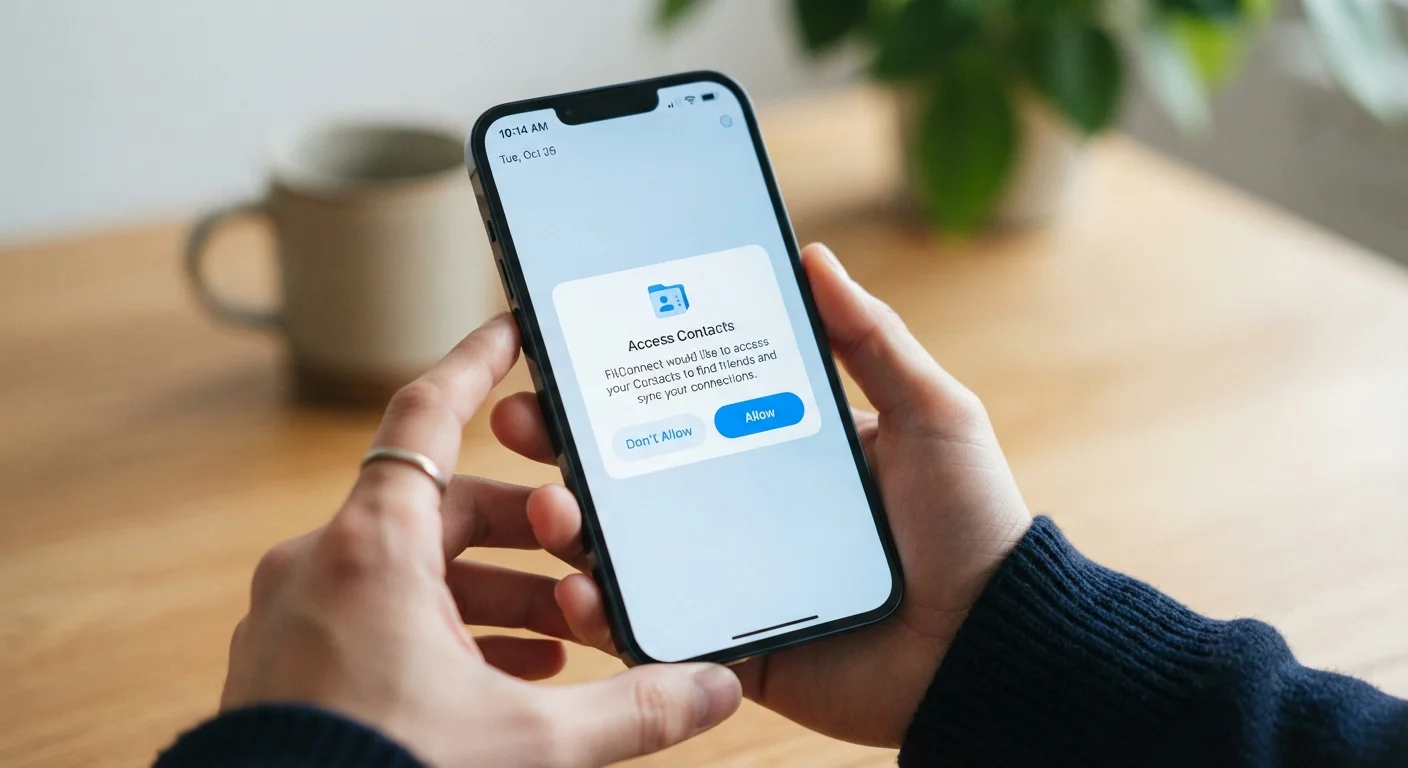
This permission exposes your entire address book: names, phone numbers, email addresses, and sometimes notes. Messaging apps need it to find people you know. A weather app or game requesting contacts has no legitimate use for that data.
Storage / Photos & Media
On Android, the broad storage permission can expose most of what's on your device. iOS separates this more granularly — apps can request access to all photos, selected photos only, or just the ability to add new ones. Choosing "selected photos" is usually sufficient for apps that only need to upload an image.
Notifications
Notification permission doesn't access data, but it does control how often an app can interrupt you. Revoking it for non-essential apps declutters your attention without affecting core functionality.
Bluetooth & Nearby Devices
Originally for pairing devices, Bluetooth access has also been used by some apps to detect your physical location indoors — without using GPS. This is worth monitoring closely for apps with no clear hardware-pairing purpose.
When a Permission Request Is a Red Flag
The core question is always: does this app need this access to do what I downloaded it for? Mismatches between function and requested permissions are the clearest warning sign.
- A utility or game asking for contacts or microphone — there's rarely a legitimate reason.
- Any app requesting "always on" location access when you'd expect it to run only while open.
- Apps requesting multiple sensitive permissions at once before you've even used any feature that would need them.
- A flashlight, calculator, or simple tool app requesting camera, microphone, or contacts.
It's also worth revisiting permissions for apps you've had a long time. Permissions granted years ago under older, more permissive defaults may still be active. Both iOS (Settings > Privacy & Security) and Android (Settings > Privacy > Permission Manager) let you audit exactly which apps hold which permissions.
Apps can also gather data through means you may not have considered — learn about the subtler data collection methods that go beyond the permission dialog. And when you're done with an app entirely, understand that deleting an app doesn't always erase your data from the developer's servers.
You Can Say "Ask Next Time"
On both iOS and Android, you don't have to choose permanently between Allow and Deny for most permissions. iOS offers "Ask Next Time or When I Share," and Android offers "Only this time" — both let an app use the resource once without granting ongoing access. This is a useful middle ground for apps you trust but don't want to give permanent access.